 how-to
Can You Rush Custom Engraving? A 2026 Guide
Table of Contents
- Can You Rush Custom Engraving? What's Actually Possible
- Custom Engraving Turnaround Time: Engraving vs. Processing vs. Shipping
- How to Request a Rush Order: Step-by-Step
- Custom Engraving Rush Fee: What You're Paying For
- How to Prepare Artwork for Laser Engraving (and Avoid Delays)
- Engraved Gifts with Fast Shipping: What to Expect
- What Can Delay a Rush Engraving Order (and How to Prevent It)
- Frequently Asked Questions
Last Updated: October 7, 2026
Can You Rush Custom Engraving? What's Actually Possible
Yes, you can rush custom engraving, but only when three things line up: the item is in stock, your artwork is ready, and the seller offers a rush service.
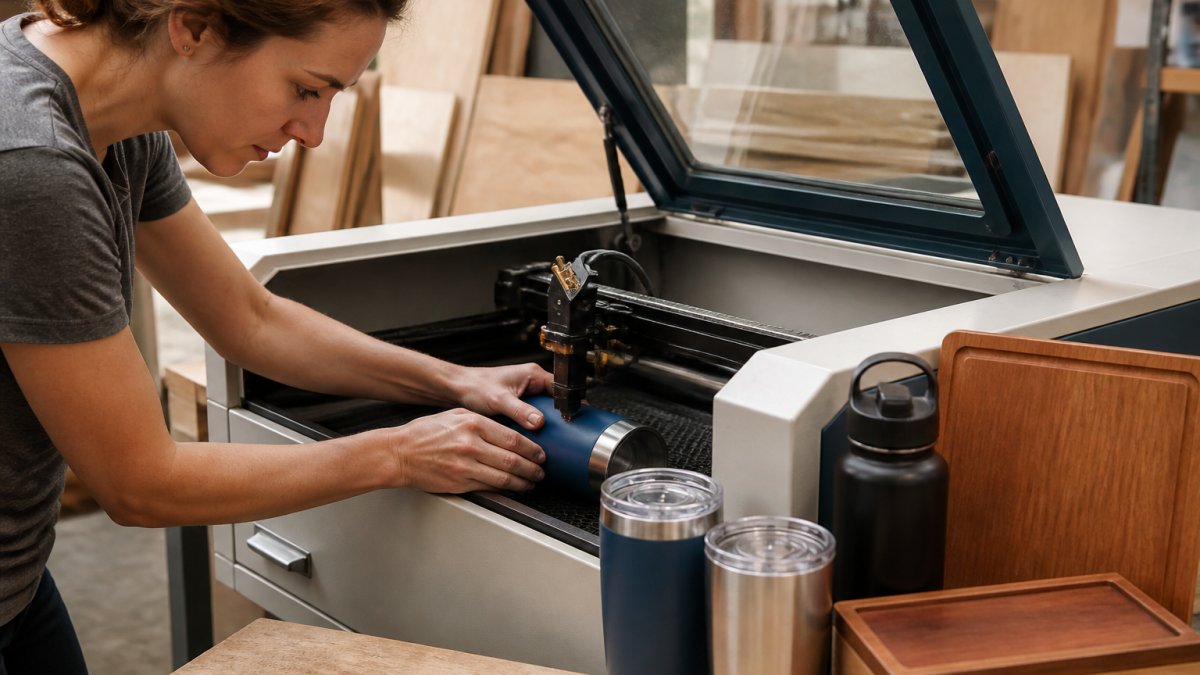
Custom engraving cuts a design, name, or logo into a physical item with a laser, and that process sits inside a longer chain of steps that can each stall. Before you assume a fast turnaround is impossible, know what controls the clock:
- Whether the blank item is in stock
- How fast you approve the design proof
- Where you land in the production queue
Below, we break down each stage, show you how to request a rush the right way, and flag the mistakes that turn a two-day job into a two-week one.
Custom Engraving Turnaround Time: Engraving vs. Processing vs. Shipping
Custom engraving turnaround time is the total days from order to delivery, combining three separate clocks: processing time, engraving time, and shipping time.
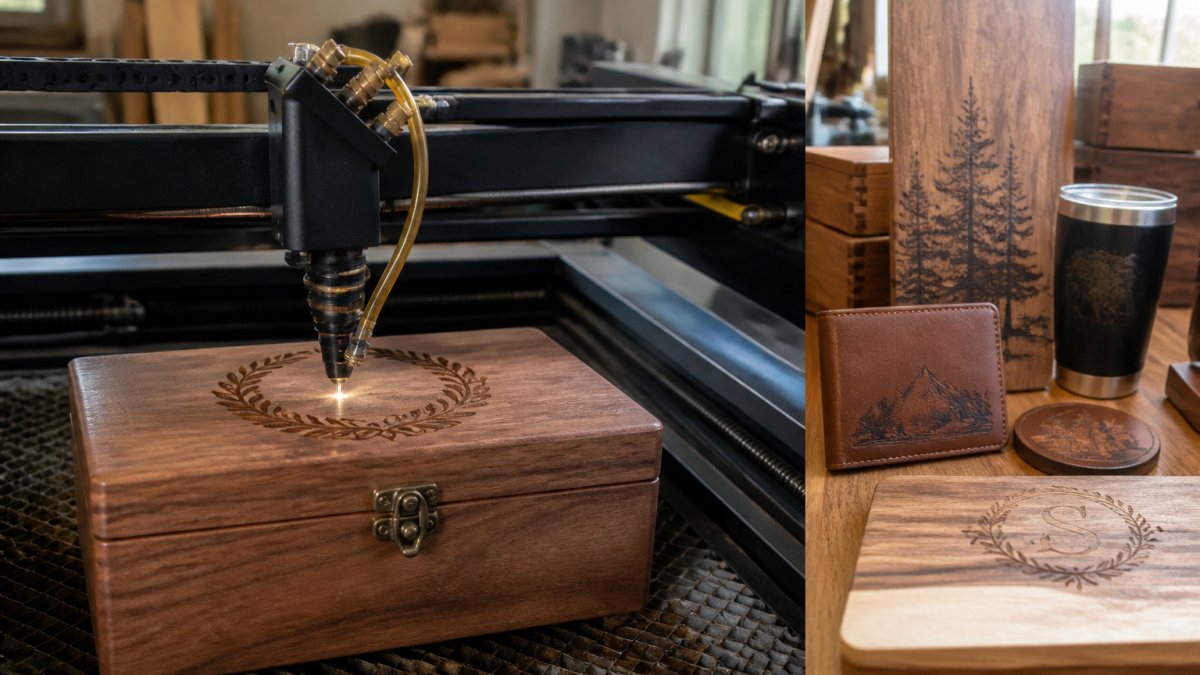
Here is how the three stages differ:
- Processing time: Order review, proof creation, and your approval. Often the longest stage, and the one you control most.
- Engraving time: The actual laser work. Usually short, often a day or less per batch.
- Shipping time: Transit after the item leaves the shop. Depends on the carrier and service level.
A common mistake is blaming the engraver when the real delay was a proof sitting unapproved in an inbox for three days.
The U.S. Postal Service shipping service guide lays out transit windows for each mail class, which helps you set a realistic delivery estimate once the item ships.
How to Request a Rush Order: Step-by-Step
Requesting a rush order takes two moves: confirm the item is in stock, then contact the seller before you buy. Skipping either step is how rush requests fail.
Step 1: Confirm Product Availability and Stock
Check stock before anything else. A rush service cannot outrun an out-of-stock blank, and no fee fixes a backorder. Ask up front:
- Is this exact style, color, and size in stock right now?
- How many units are available if I need a bulk order?
- Does this material engrave well, or does it need a different finish?
Material matters more than most people expect. Some coatings engrave cleanly and fast; others need slower settings and test passes. If you are set on a tricky material, build in a buffer.
Step 2: Contact the Seller Before You Buy
Reach out before you place the order, not after. A quick message lets the seller check the queue and confirm whether your deadline is realistic.
Have these details ready:
- Your event deadline, with the exact date
- Item, quantity, and any color or placement needs
- Your artwork file, or a clear description of the design
Small engraving studios often answer directly and can tell you in one reply whether a rush is possible, that back-and-forth is the whole point of asking first.
Custom Engraving Rush Fee: What You're Paying For
A custom engraving rush fee pays for queue priority, not magic: a spot at the front of the line and the labor shuffle that makes it happen.
Buyers often pay for the wrong one. Overnight shipping does nothing if your job sits behind twelve orders in the queue, and a rush fee does nothing if the carrier takes five days.
What the Fee Typically Covers
- Queue displacement: Your job jumps ahead of standard orders, which means someone else's job moves back. That reshuffling is real labor and real scheduling cost.
- Setup and machine time: A rush job often means running a smaller batch on a dedicated pass instead of batching it with similar orders, which is less efficient for the shop.
- Compressed proofing: Staff time to turn a proof around in hours instead of a day or two, including a second set of eyes on spelling and layout.
How Rush Fees Are Usually Calculated
Most studios do not publish a flat rush rate because the variables swing too widely.
Factors that move the number:
- Quantity: More units mean more machine time and more queue displacement.
- Lead time: A request made two weeks out is cheaper than one made two days out.
- Material and complexity: Deep-cut or multi-pass engraving on hard materials takes longer per unit.
- Season: Holiday and wedding-season rushes carry a premium because the queue is already full.
What a Rush Fee Does Not Cover
A rush fee does not cover a missed deadline caused by late artwork, slow proof approval, or a wrong shipping address, those delays sit with you. Nor does it guarantee delivery once the carrier has the package.
Be wary of anyone quoting a rush fee before seeing your files and date.
Questions to Ask Before You Pay a Rush Fee
- Does this fee cover production only, or shipping too?
- What is the latest date you can start and still hit my deadline?
- If my item is out of stock, is the rush fee refundable?
- What happens if the proof is approved late, does the fee still apply?
- Is there a cheaper tier if I can give you one extra business day?
Clear answers to those questions tell you more than any advertised turnaround time.
How to Prepare Artwork for Laser Engraving (and Avoid Delays)
How you prepare artwork for laser engraving decides whether your job starts today or sits in a revision loop. Clean files move fast. Messy files stall.
Follow this checklist before you send anything:
- Use a vector file (SVG, AI, EPS) when you can
- Keep high-resolution PNG or PDF files at 300 DPI or higher
- Convert all text to outlines so fonts do not shift
- Use pure black for engraved areas and white for blank space
Low-resolution images are the top cause of blurry engraving.
If you are not a designer, that is fine. The Adobe guide to vector versus raster images explains why vector files scale without losing sharpness, which is exactly why they engrave better.
Once your file is ready, you will get a proof. Approve it fast. Every hour a proof sits waiting is an hour off your rush window.
Engraved Gifts with Fast Shipping: What to Expect
Engraved gifts with fast shipping are possible, but "fast" means different things at each stage. The engraving can be quick; shipping is where the clock really runs. The most useful skill is counting backward from your event date correctly.
How to Count Backward from Your Deadline
Start with the date the item must be in hand, then subtract each stage in reverse order. Business days only, weekends and federal holidays do not count toward most turnaround promises.
Worked example: You need an engraved award delivered by Friday the 20th.
- Carrier transit (2 business days): The shop must ship by Wednesday the 18th.
- Engraving (1 business day): The machine must start by Tuesday the 17th.
- Proof approval (same day): You must approve the proof by Monday the 16th.
- Proof creation (1 business day): You must place the order by Friday the 13th.
That is a full week of runway for a job that feels like a two-day task. Ordering on the 16th instead of the 13th puts you behind, and no rush fee fixes a compressed proof window unless the shop offers same-day proofing.
Typical Windows by Stage
| Stage | Typical Window | Who Controls It |
|---|---|---|
| Proof approval | Same day to 1 day | You |
| Production queue | 1-3 business days | Seller |
| Engraving | Same day to 1 day | Seller |
| Shipping | 1-5 business days | Carrier |
Add those windows for a realistic delivery estimate. If the total lands past your deadline, move to a faster shipping tier or trim the queue with a rush request.
Where the Clock Actually Breaks
Two failure points trip up most buyers:
- The weekend trap. A Friday order with a Monday deadline is really a same-day scramble, not a three-day cushion. Saturday and Sunday are not business days for most shops or carriers.
- The proof gap. Every hour a proof sits unapproved is an hour off your rush window. If you order at 5 p.m. and do not check email until the next morning, you have already burned a day.
The U.S. Postal Service shipping service guide lays out transit windows for each mail class, which helps you set a realistic delivery estimate once the item ships. For guaranteed dates, carriers like FedEx and UPS publish service-day commitments by ZIP code, and those commitments are what a shop will quote against when it promises a delivery date.
When Fast Shipping Is the Wrong Fix
If your deadline is tight and the item is not yet in production, upgrading shipping alone rarely saves you, overnight transit does not help a job that has not been engraved. The cheaper, more reliable move is usually to pay for queue priority and keep standard shipping, or choose an in-stock item that can start immediately.
A Simple Rule of Thumb
For a single engraved item with clean artwork, plan on three business days minimum from order to delivery with standard shipping, and two with a rush fee plus expedited transit. For bulk orders or complex designs, add one to two business days per stage. If your event is inside that window, contact the seller before you buy.
What Can Delay a Rush Engraving Order (and How to Prevent It)
Rush engraving orders fail for predictable, preventable reasons. The fix is usually a small action taken early.
Watch for these delays:
- Out-of-stock items: Confirm availability before you pay.
- Low-resolution artwork: Send vector or 300 DPI files.
- Slow proof approval: Check your inbox and approve same day.
- Design changes after approval: Lock the design before production starts.
Design changes are the sneaky one. Once a job is engraved, it cannot be undone, and a last-minute tweak after proof approval can push you to the back of the queue or force a redo.
Ask these questions before you place a rush order:
- What is the latest date you can start and still hit my deadline?
- Does the rush fee cover shipping, or is that separate?
- What happens if my item is out of stock?
- Can I see a proof, and how fast can I approve it?
- What is your policy if a rushed item arrives damaged?
A rush order is a test of planning, not speed. Buyers who hit tight deadlines confirm stock, send clean files, and approve proofs the same day.
Frequently Asked Questions
Can you rush a custom engraving order?
Yes, many engraving providers offer rush service, but it depends on the material, design complexity, and current production queue. Contact the seller before placing your order to confirm they can meet your deadline. Rush options typically move your order to the front of the production line, but they do not speed up shipping. Always ask what the rush option covers and whether it includes weekends.
Does rush engraving cost extra?
Rush fees are separate from expedited shipping charges. Ask for a clear breakdown of any rush fee and add-on charges before you confirm your purchase so there are no surprises.
Does rush production include shipping time?
No. Rush production only compresses the engraving and processing time at the shop. Shipping time is separate and depends on the carrier and delivery method you select. If your event deadline is tight, you need to account for both the rush production window and the shipping transit time. Choose expedited shipping if the standard delivery estimate puts your order past the event date.
What should I include when requesting rush engraving?
Provide your event deadline, the exact product and dimensions, your artwork or design file in a vector format if possible, and the placement details. Mention any color or style requirements. Confirm stock availability before you order. Ask the seller about proof approval turnaround, because waiting on your approval can add a full business day to the timeline. The more complete your order details, the faster the shop can start production.